
Written by

Amrut Prabhu
@smarthomecircleTable of Contents
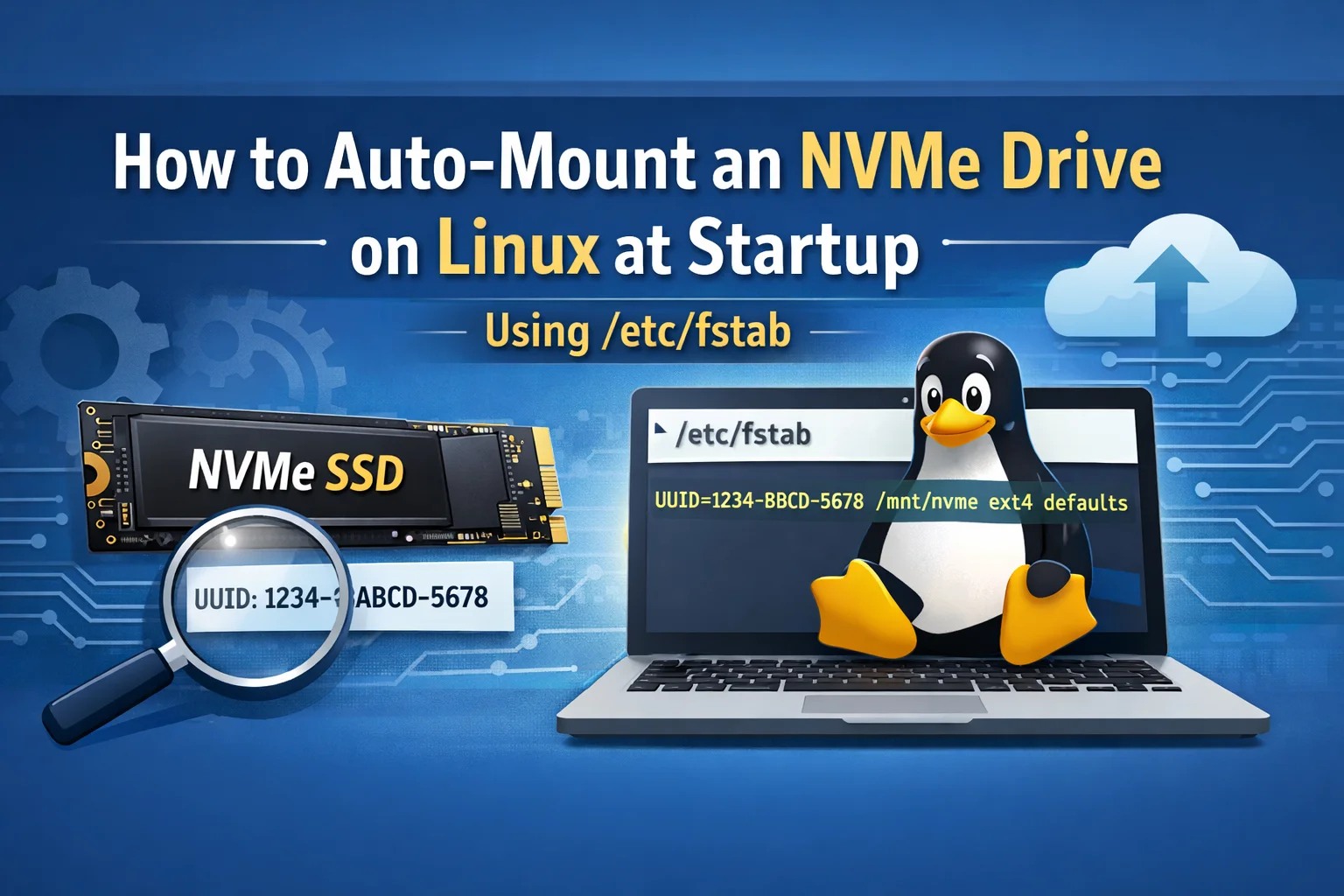
If you want your NVMe SSD to mount automatically every time Linux boots, the cleanest method is to use the partition UUID in /etc/fstab.
1) Find the NVMe partition and UUID
Run:
lsblk -f
Look for your NVMe partition (example: /dev/nvme0n1p1) and note the FSTYPE and UUID.
Alternative:
sudo blkid
2) Create a mount point
Choose where you want it mounted (example: /mnt/nvme):
sudo mkdir -p /mnt/nvme
3) Add an /etc/fstab entry
Open the file:
sudo nano /etc/fstab
Add the correct line for your filesystem (replace YOUR_UUID with the real one).
For ext4
UUID=YOUR_UUID /mnt/nvme ext4 defaults,nofail,x-systemd.device-timeout=5 0 2
For xfs
UUID=YOUR_UUID /mnt/nvme xfs defaults,nofail,x-systemd.device-timeout=5 0 0
For btrfs
UUID=YOUR_UUID /mnt/nvme btrfs defaults,nofail,x-systemd.device-timeout=5 0 0
Why these options?
UUID=...is stable (won’t break if device names change).nofailprevents boot from failing if the drive is missing.x-systemd.device-timeout=5avoids long boot hangs if the drive is slow to appear.
4) Test before rebooting
This step catches errors immediately:
sudo mount -a
Check it mounted:
df -h | grep nvme
Optional: make the mount writable for your user
If you’re mounting to a non-home directory and want easy write access:
sudo chown -R "$USER:$USER" /mnt/nvme
Done ✅
Reboot and your NVMe should mount automatically.