
How to Control Armbian Status LEDs Through sysfs (Turn Off / Heartbeat on Radxa Rock 5)
Written by

Table of Contents
- 1) List the LEDs exported by your board
- 2) Read the current trigger and available modes
- 3) Turn the LED off
- 4) Set the LED to heartbeat mode
- 5) Common LED triggers (Linux LED class)
- 6) Make the LED mode persistent across reboots
- Option A: systemd-tmpfiles
- Option B: Armbian boot environment script
- Option C: a user systemd service
- 7) Why sysfs-level control is often enough
- 8) Troubleshooting LED triggers
- 9) Next steps
Armbian exposes the board’s status LEDs through the Linux LED class sysfs interface: every available indicator lives under /sys/class/leds/, and you can change its behavior at runtime with simple echo commands. On the Radxa Rock 5, the most commonly adjusted LED is blue:status; however, the same approach works for any sysfs-exposed LED.
If you want to turn off a bright status LED at night, set it to none, or map it to system activity, the sysfs trigger interface is the cleanest way—no daemon, no Python script, no extra package.
1) List the LEDs exported by your board
Check which LEDs the kernel exposes:
ls /sys/class/leds/
On Radxa Rock 5 you should typically see entries such as:
blue:status
Each LED directory contains:
brightness
max_brightness
trigger
2) Read the current trigger and available modes
View what the LED is currently doing:
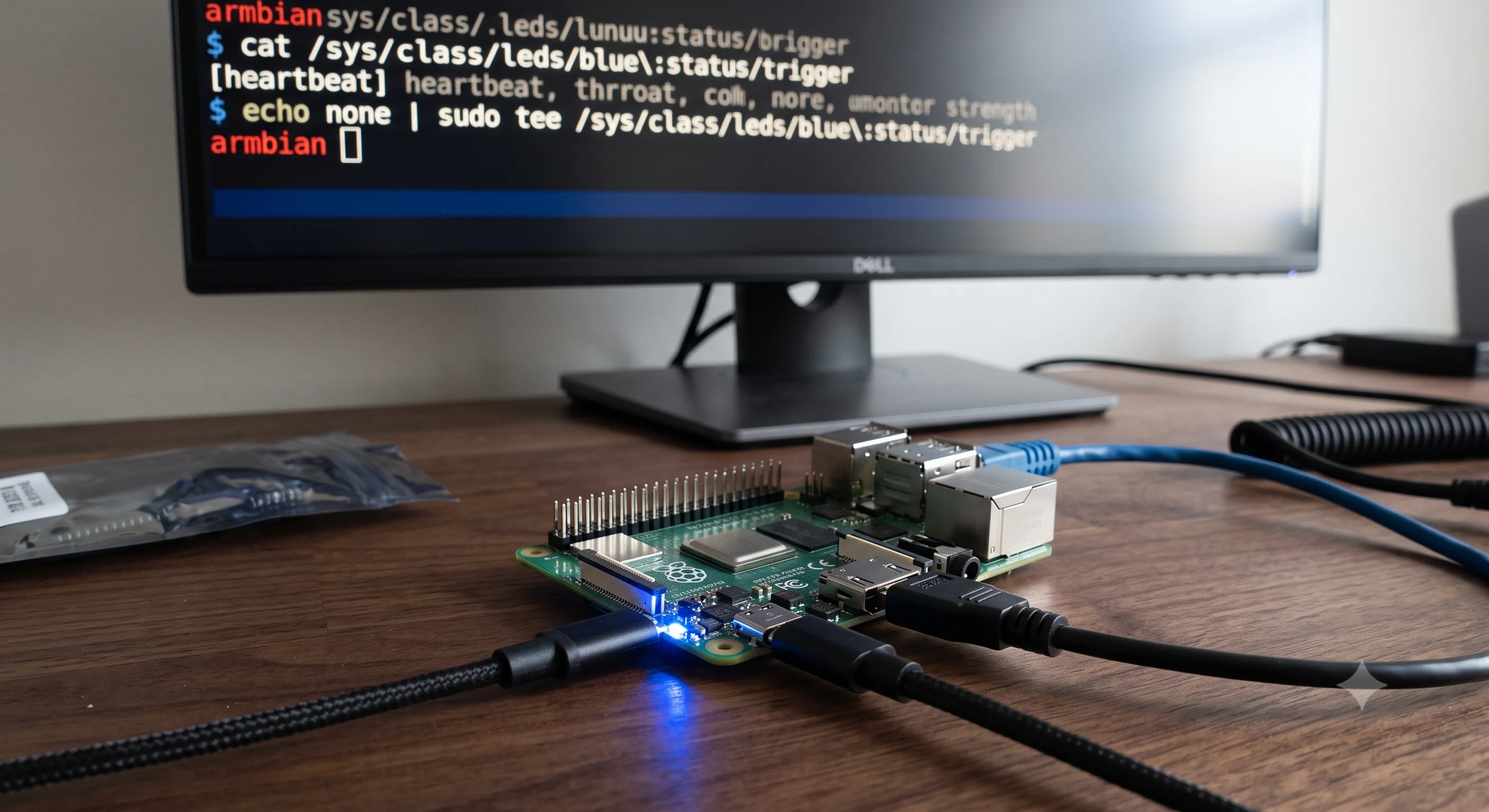
cat /sys/class/leds/blue\:status/trigger
To list every mode this LED supports, cat the same file. You’ll see something like:
[none] kbd-scrolllock kbd-numlock kbd-capslock kbd-kanalock kbd-shiftlock kbd-altgrlock kbd-ctrllock kbd-altlock timer heartbeat ...
The square brackets indicate the current default trigger.
3) Turn the LED off
To switch the blue status LED off:
echo none | sudo tee /sys/class/leds/blue\:status/trigger
sudo tee /sys/class/leds/blue\:status/brightness <<< 0
The first command changes the trigger so the kernel stops driving it automatically; the second forces the brightness to 0 for immediate silence.
4) Set the LED to heartbeat mode
To make the status LED blink like a heartbeat:
echo heartbeat | sudo tee /sys/class/leds/blue\:status/trigger
This is a common compromise: you still get activity indication, but the LED is no longer solid and attention-grabbing.
5) Common LED triggers (Linux LED class)
Typical triggers you’ll see for blue:status include:
| Trigger | Behavior |
|---|---|
none | LED stays in its current state |
timer | Pulse on/off with configurable delay |
heartbeat | CPU load heartbeat blink |
default-on | Turned on |
mtd | LED updated by userspace |
Note: Some LEDs are hardwired to a specific function; if a trigger is missing from your
triggerlisting, the driver does not export it.
6) Make the LED mode persistent across reboots
Sysfs changes are temporary and reset on reboot. To make them permanent on Armbian without adding extra services:
Option A: systemd-tmpfiles
Create /etc/tmpfiles.d/led-control.conf:
f /sys/class/leds/blue:status/trigger 0644 root root heartbeat
This sets the trigger at boot. If you want none instead, replace heartbeat with none.
Option B: Armbian boot environment script
Append to /boot/armbianEnv.txt only if you prefer boot-time overlay behavior; otherwise, the tmpfiles method above is simpler because the LED path is created before systemd reaches that boot stage.
Option C: a user systemd service
Create /etc/systemd/system/led-control.service:
[Unit]
Description=Set status LED mode at boot
After=multi-user.target

[Service]
Type=oneshot
ExecStart=/bin/sh -c 'echo heartbeat > /sys/class/leds/blue:status/trigger'

[Install]
WantedBy=multi-user.target
Then enable it:
sudo systemctl daemon-reload
sudo systemctl enable --now led-control.service
If you prefer the LED off, replace heartbeat with none in the command.
7) Why sysfs-level control is often enough
Using /sys/class/leds/ avoids writing custom C overlays, kernel modules, or userspace daemons. The kernel already maintains every exposed LED there; you just flip a trigger file. This is ideal for:
- nighttime server/SBC setups
- desks with reflection-sensitive monitors
- field/RV/RPi-like deployments where blinking clocks eat attention
- drop-in OpenWrt / Armbian tweaks behind a config-management bootstrap
8) Troubleshooting LED triggers
If a trigger is missing:
grep -r "CONFIG_LEDS_GPIO" /boot/config-*
Ensure the board config enables LED GPIO, PWM LED, or Multi-Function LED support for the platform. On Radxa Rock 5, LED support is typically built-in already; missing triggers usually mean the LED node is constrained by the board’s device-tree binding rather than by missing sysfs entries.
If your cat /sys/class/leds/.../brightness shows only 0 or 1, the lower driver may only expose two brightness levels.
9) Next steps
Once the LED behavior is stable, you can pair it with other tweaks:
- Disable HDMI CEC if HDMI-connected displays keep the board awake
- Tune the Armbian PWM fan curve after adjusting LEDs if thermal behavior changes
- Disable
rfkillLED wakeups if the WiFi indicator is unwanted
If you are looking for a similar guide on Armbian fan control instead, see our earlier post: How to Tune CPU FAN Speed With PWM on Armbian.