Written by

Featured Video
Table of Contents
When you are traveling for vacation or work, staying safe online can be a major challenge. Public Wi-Fi networks expose your private data, geo-restrictions block your favorite streaming apps, and hotels often force you to pay a premium for every single device you connect.
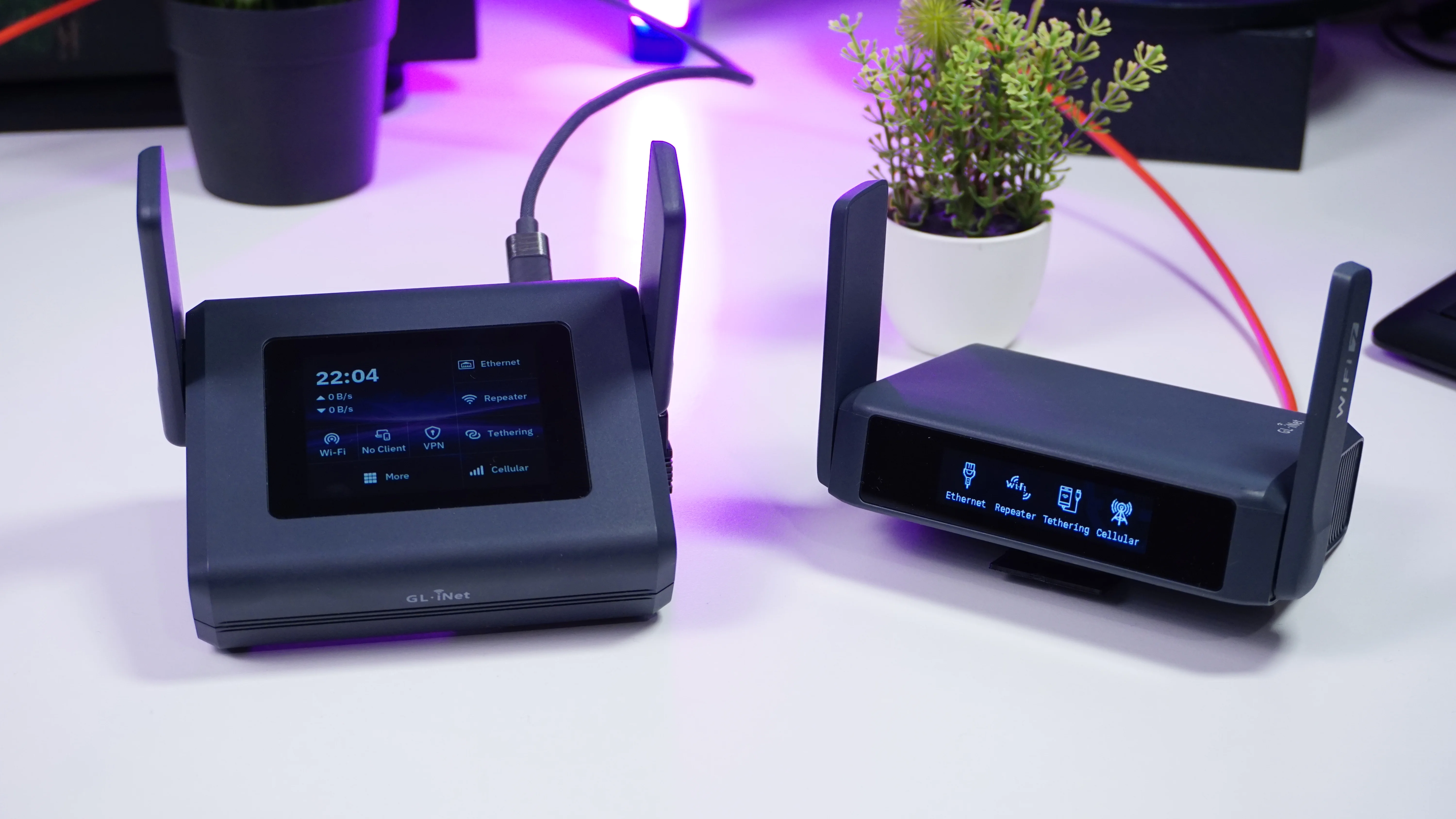
That is exactly where a portable VPN router changes the game. GL.iNet has a long history of making top-tier portable networking gear, and today we are looking at their latest flagship powerhouse: the GL.iNet Slate 7 Pro (GL-BE10000). It is the direct successor to last year's standard Slate 7, but this Pro version pushes performance boundaries to an entirely new level.
Let's dive into why this pocket-sized device might just be the ultimate travel companion for digital nomads and power users.
Next-Level Wi-Fi 7 and Multi-Link Operation
The standard Slate 7 is an excellent device, but the Pro model brings true Wi-Fi 7 capabilities into your travel luggage.
-
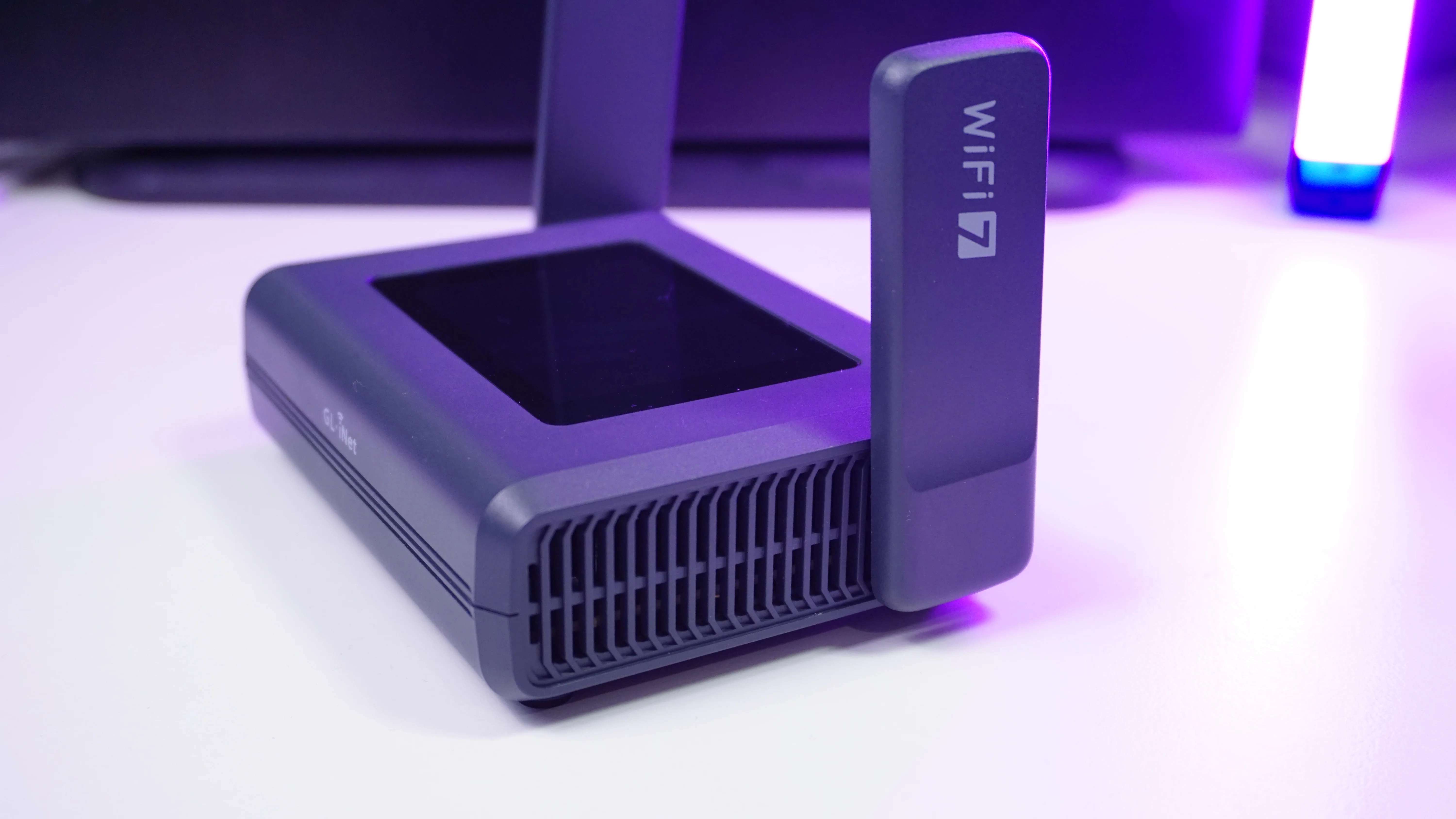
Tri-Band Connectivity: Unlike its predecessor, the Pro version adds a dedicated 6 GHz frequency alongside the standard 2.4 GHz and 5 GHz bands.
-
Multi-Link Operation (MLO): Your Wi-Fi 7 capable devices can connect to all three frequencies simultaneously to transmit data, ensuring ultra-low latency and highly stable transfers.
-
Massive Speed Upgrade: You can achieve up to 9.3 Gigabit Wi-Fi speeds across all three frequencies, a massive leap from the 3.5 Gbps limit on the previous dual-band Slate 7.
Blazing Fast VPN Throughput
If you are deploying a secure travel router, you are likely running a encrypted tunnel to protect your browsing data or access home networks. The Slate 7 Pro completely eliminates the classic VPN performance bottleneck.
-
OpenVPN-DCO: Reaches up to 1000 Mbps thanks to integrated Data Channel Offload.
-
WireGuard Protocol: Hits an incredible 1100 Mbps throughput.
-
Performance Multiplying: This makes the Pro version 2 to 3 times faster under heavy encryption compared to the standard Slate 7.
Configurable Connectivity and Portable NAS
The physical port layout on this hardware offers massive flexibility for remote networking.
-
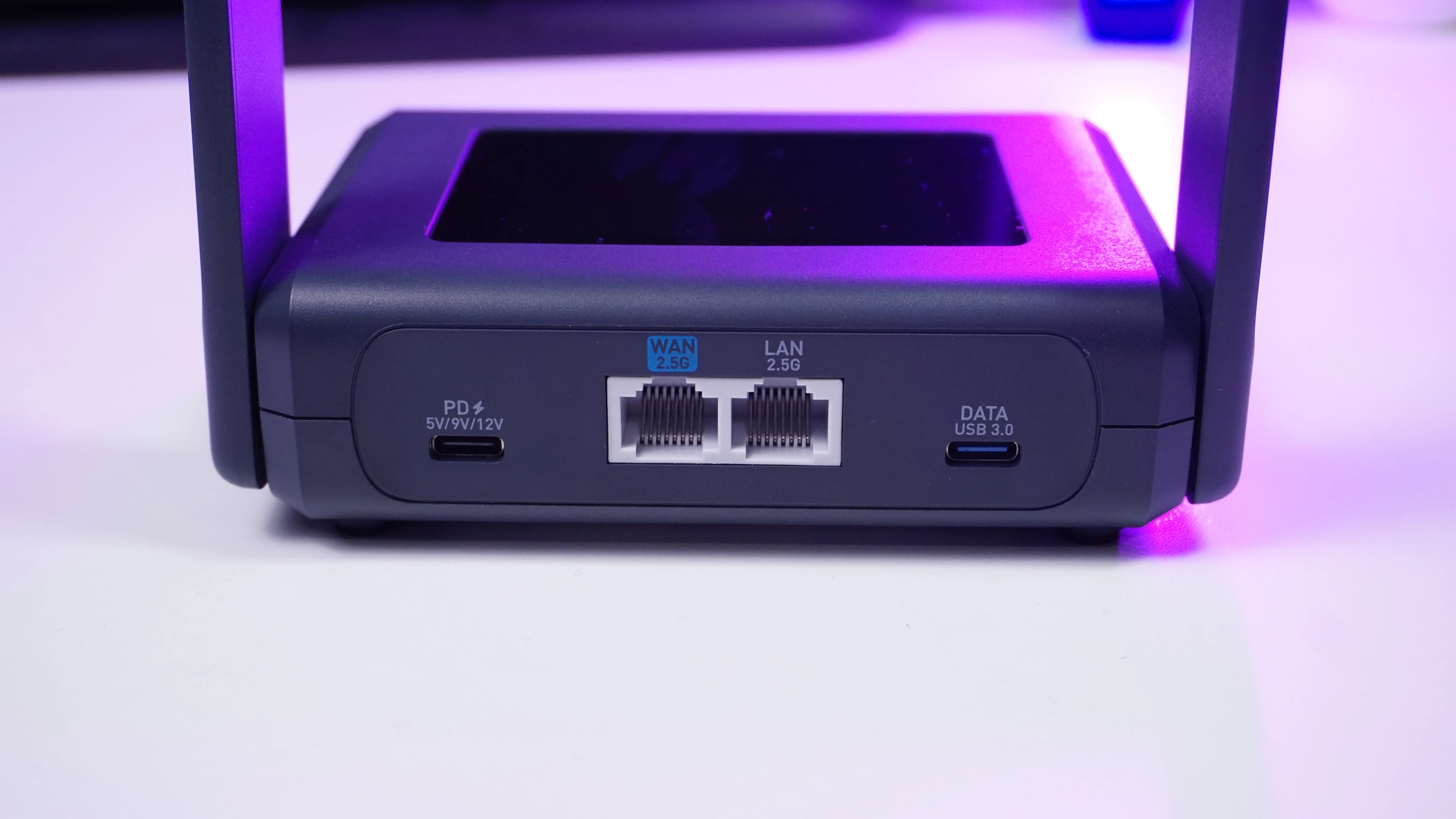
Dual 2.5G Ethernet Ports: Features one WAN and one LAN port, both fully configurable right from the OpenWrt-powered admin UI.
-
Modern USB Layout: Includes a USB Type-C port supporting Power Delivery (PD) and a dedicated USB 3.0 Type-C data port (upgraded from the old Type-A port).
-
Network-Attached Storage (NAS): Attach an external storage drive to share files seamlessly with all connected clients via Samba or WebDAV services.
-
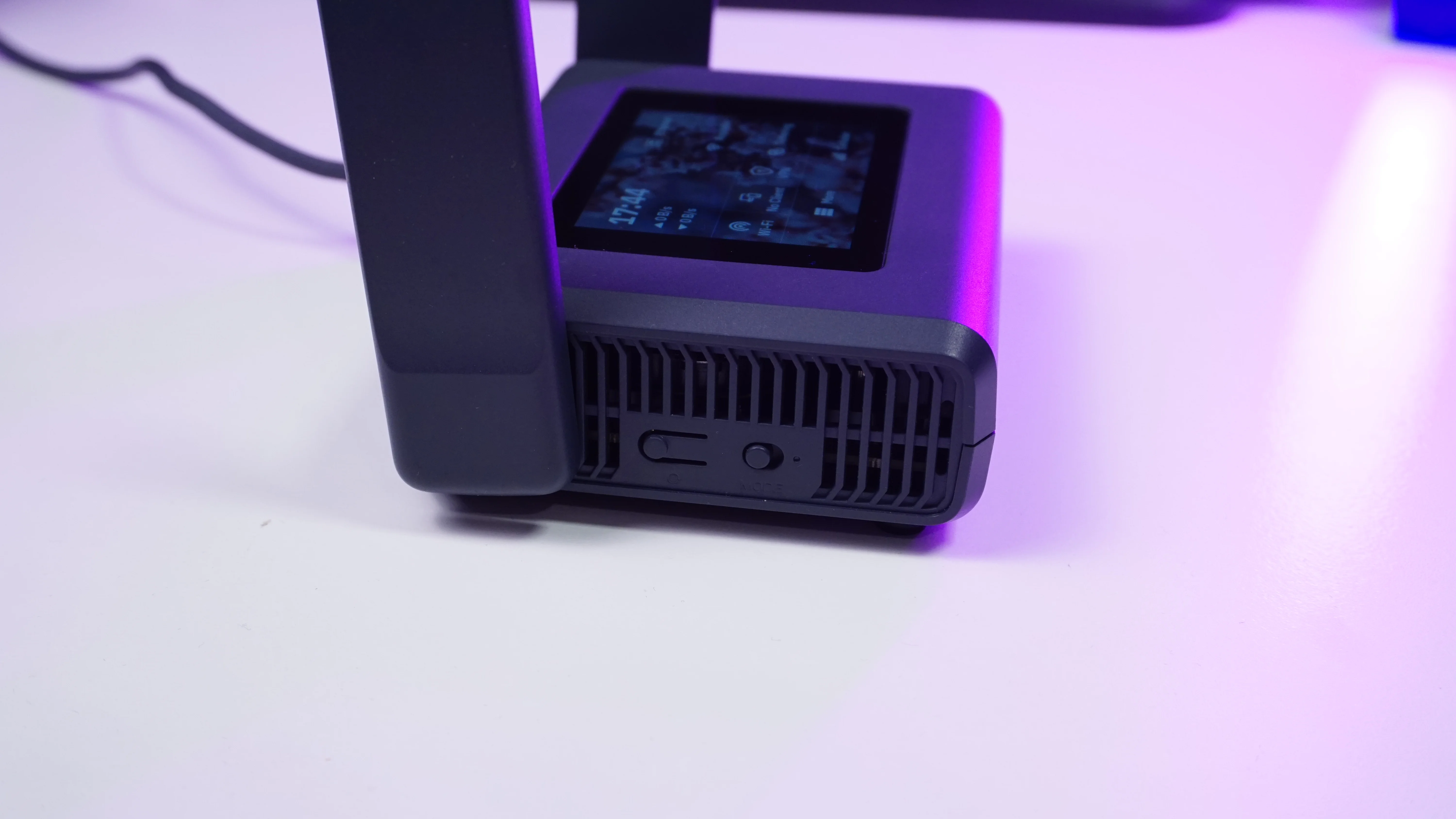
Customizable Toggle Switch: Features a physical side button you can customize to instantly trigger repeater mode, guest Wi-Fi, or other security features.
Interactive Touchscreen Display
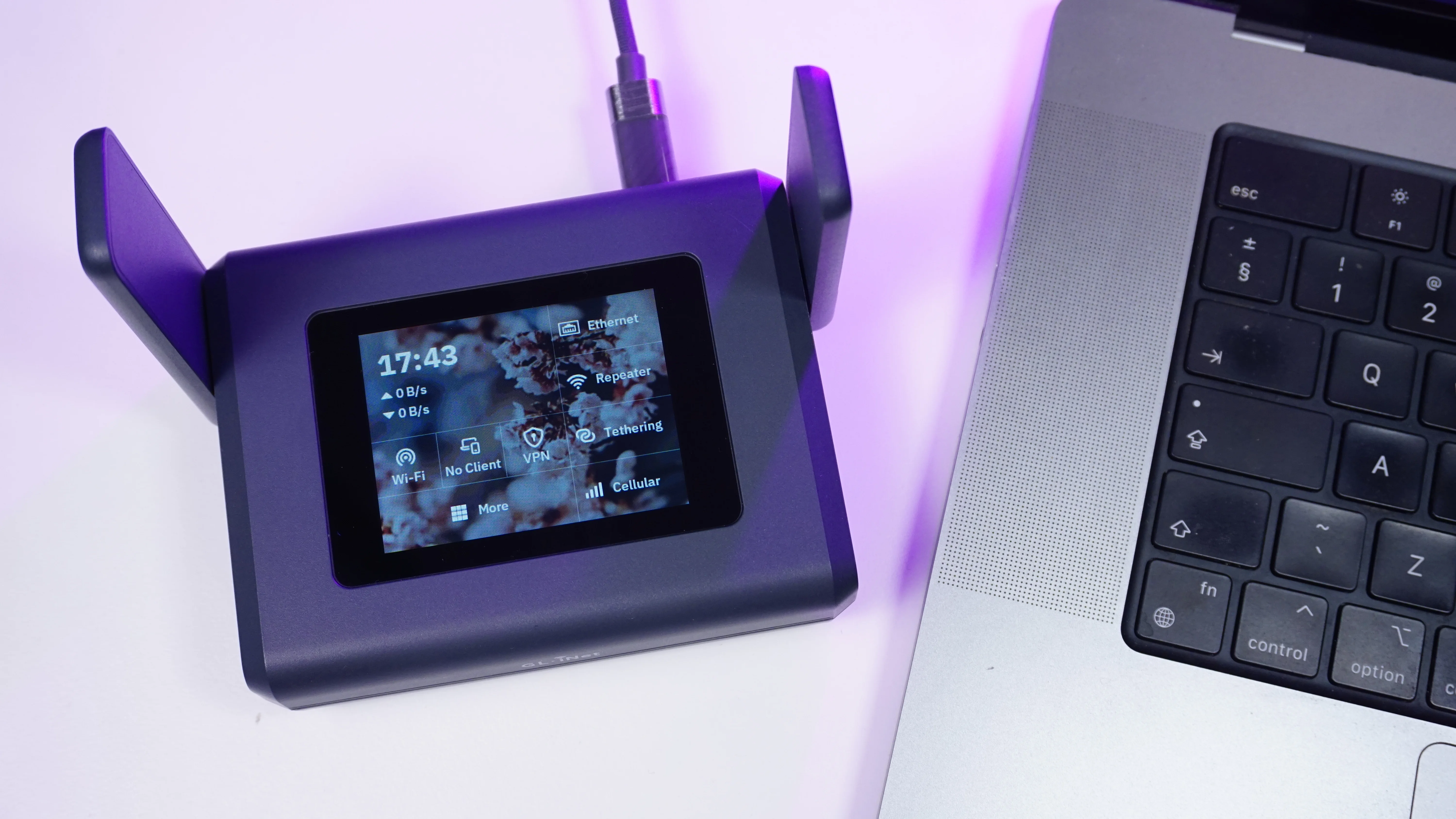
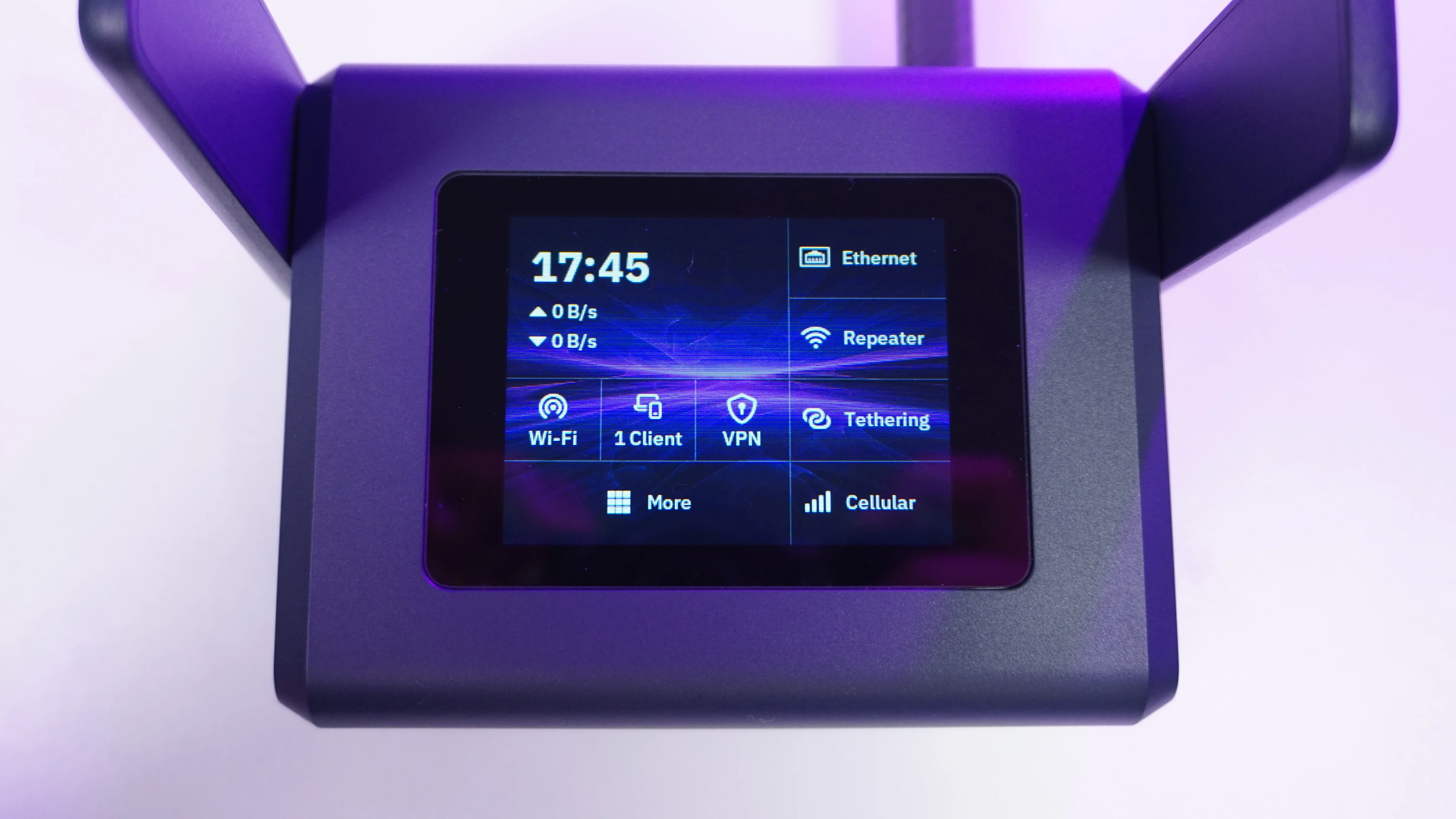
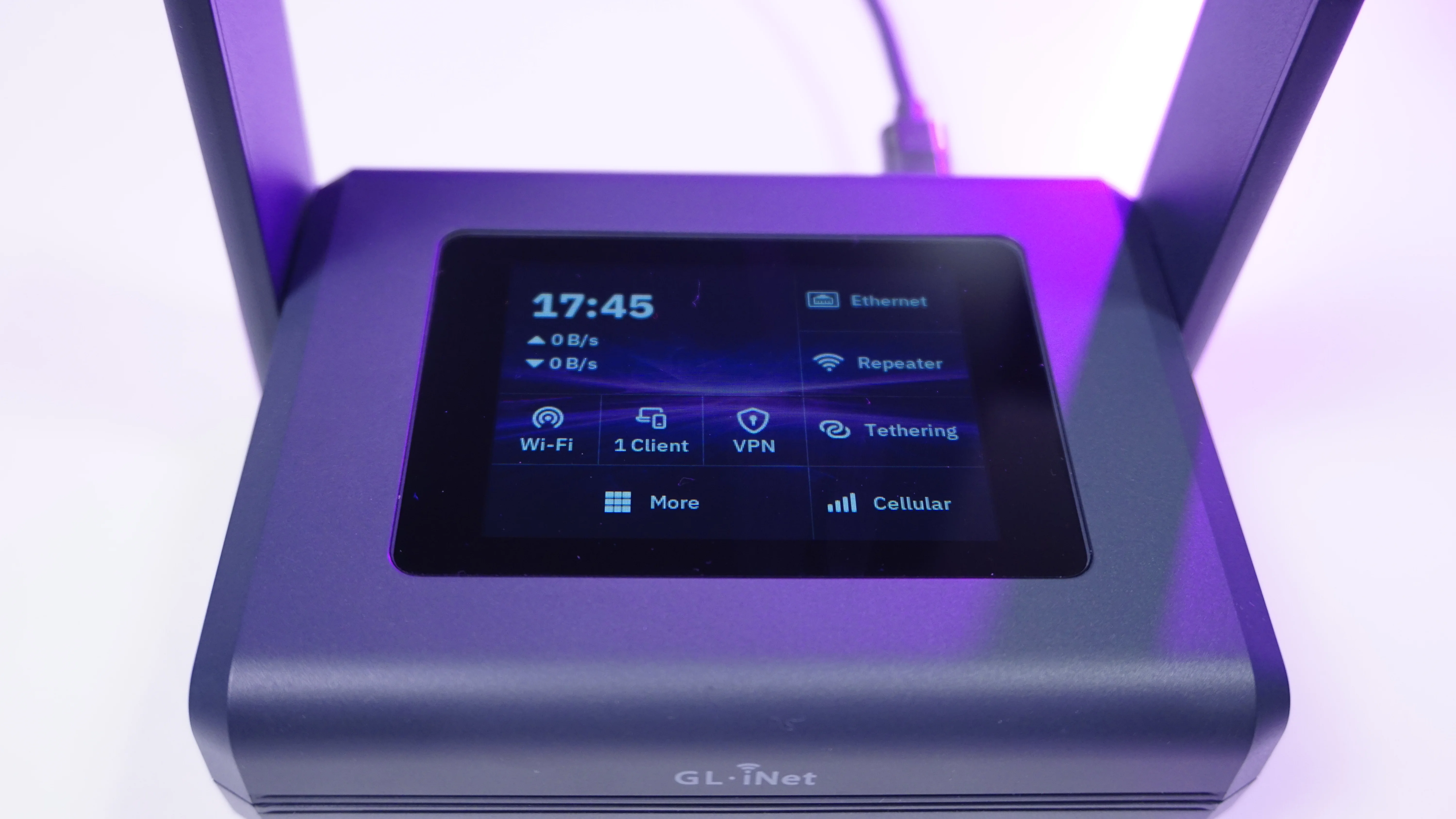
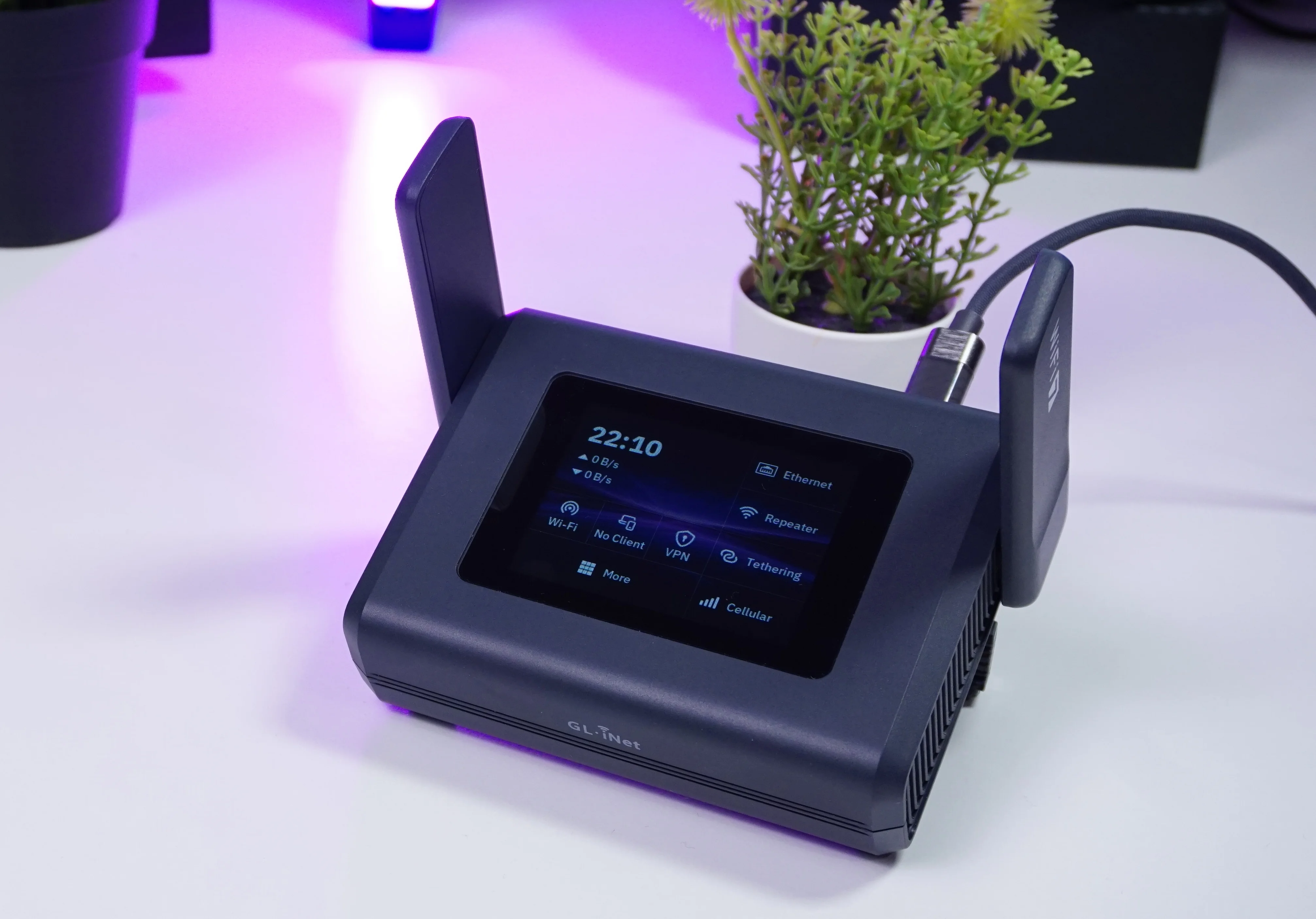
The most prominent physical feature of the GL-BE10000 is its vibrant 2.8-inch touchscreen display. It allows you to modify critical network settings instantly without loading a web browser.
-
Wi-Fi Adjustments: Modify wireless bands and settings directly from the glass panel.
-
Client Management: View a real-time list of devices connected to your network.
-
VPN Quick Toggle: Turn your configured VPN client on or off with a simple tap.
-
On-the-Fly Modes: Configure your Wi-Fi repeater mode, network tethering, or cellular backup options.
-
Metrics & Failover: Prioritize your network failover settings and check system performance statistics.
Power Consumption and Smart Efficiency
Since this is a dedicated travel router, power efficiency matters when running off a portable power bank during transit.
-
Baseline Draw: The Slate 7 Pro consumes roughly 6.3 Watts of power with all three Wi-Fi frequencies active and a single laptop connected.
-
Power-Saving Optimization: You can reduce this consumption down to 5.9 to 6.0 Watts by turning off the touchscreen display and disabling the 6 GHz band.
-
Efficiency Tip: Because many everyday devices do not yet natively support 6 GHz networks, toggling it off is a great way to conserve your external battery pack.
Active Cooling and Thermal Performance
High performance generates heat, but this router manages thermals exceptionally well.
-
Smart Active Fan: Driven by an ARM-based quad-core CPU, the unit includes active fan cooling to prevent thermal throttling when running Deep Packet Inspection (DPI) or processing high-bandwidth VPN traffic.
-
Customizable Thresholds: You can set the exact temperature threshold where the fan kicks in via the web admin panel.
-
Quiet Operation: Setting the target threshold to 65°C keeps the fan completely silent during desk use, offering reliable performance even in hot and humid climates.
Deep Dive and Next Steps
The Slate 7 Pro packs incredible technical features, including advanced tools like built-in Deep Packet Inspection (DPI) to identify and monitor precise network usage patterns across your connected devices.
I have put together an exhaustive deep dive video walk-through where I explore every option on that beautiful touchscreen and test the brand-new DPI features in real-time. Make sure to check out that video, which I have linked right here and down in the description below!
If you found this overview helpful, consider subscribing to the channel so I can continue creating high-quality networking gear breakdowns for you.